Security Cameras for Business: How to Choose the Right System
IP or analog, how many megapixels, how many cameras and how many days of recording. Everything you need to know before you buy.
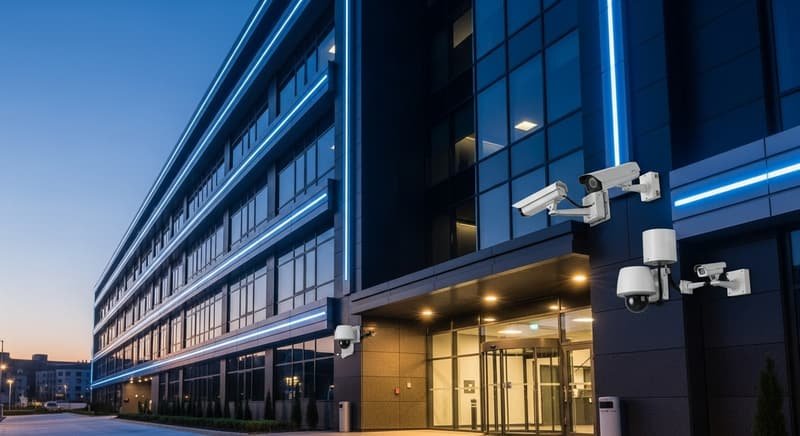
A good camera system doesn't just record: it deters theft, lets you see your business from your phone and gives you useful evidence when you need it. But choosing poorly (cameras in the wrong place, dark footage at night or a recorder that fills up in three days) is more common than you'd think. This guide will help you decide.
IP or analog (CCTV) cameras
Analog cameras (HD-TVI/CVI) connect with coaxial cable to a DVR. They're affordable and work well for simple setups. IP cameras connect over the network to an NVR and offer better resolution, smart analytics and power over the same cable (PoE). For most new business installations we recommend IP for quality and easy expansion.
How many megapixels do I need?
- 2 MP (1080p): enough for general areas at short distances.
- 4 MP: the best balance for most businesses; lets you make out faces and details.
- 8 MP (4K): ideal for parking lots, large warehouses or anywhere you need to zoom into footage.
More resolution also means more storage, so use it where it actually adds value.
How many cameras does my business need?
Start with critical points, not with a number:
- Entrances: every entry and exit, including deliveries.
- Register or counter: wherever cash is handled.
- Valuable inventory: shelves, storage or warehouse.
- Exterior: parking and storefront.
A small shop is usually well covered with 4 cameras; a warehouse or business with parking, with 8 or more.
Tip: mount entrance cameras at the right height to capture faces, not just the top of people's heads. It's the most common installation mistake.
Night vision: infrared or color
Most cameras use infrared night vision, recording in black and white in low light. Cameras with color night vision use more sensitive sensors or supplemental light to record in color, which helps identify clothing or vehicles. Check the range in meters for the area you want to cover.
How many days of recording?
A typical setup keeps 15 to 30 days of continuous recording. Capacity depends on the number of cameras, resolution and the recorder's drive. You can also record only on motion to extend the available days.
Secure access from your phone
Live viewing from your phone is one of the most useful features, but it must be set up properly: strong passwords, updated firmware and secure remote access. A recorder exposed to the internet with its factory password is a real risk.
Installation makes the difference
The same equipment can work very well or very poorly depending on how it's installed: angles, protected cabling, stable power and battery backup. That's why at Key Solutions we assess your space first and send a written proposal with the right number of cameras and equipment.
Need help with this? Message us and we'll guide you for free.